
SOS Tag
For people · When you cannot speak for yourself, SOS Tag speaks for you. Anyone helping you can instantly see your medical information and emergency contacts on their phone, and access first aid content, the AED map and SOS functions.

Choose a format
-
Sticker
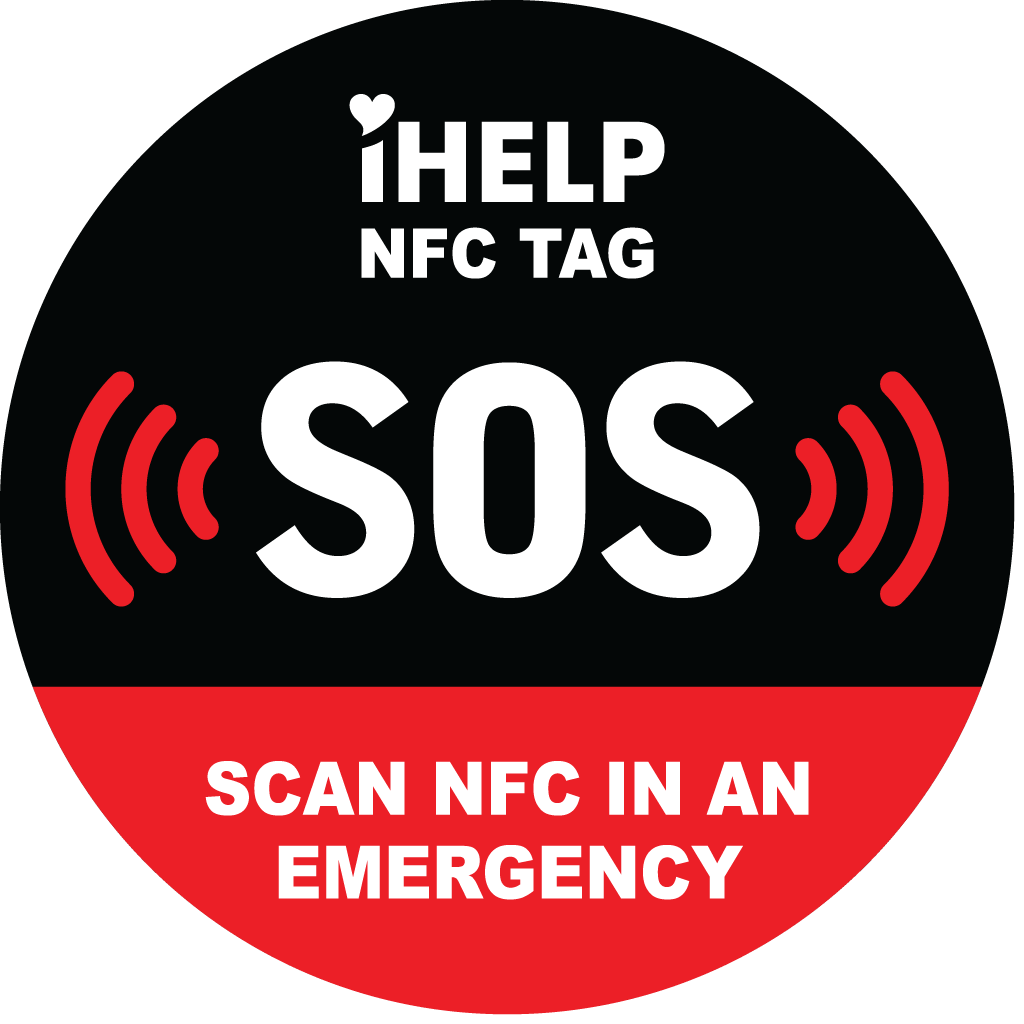
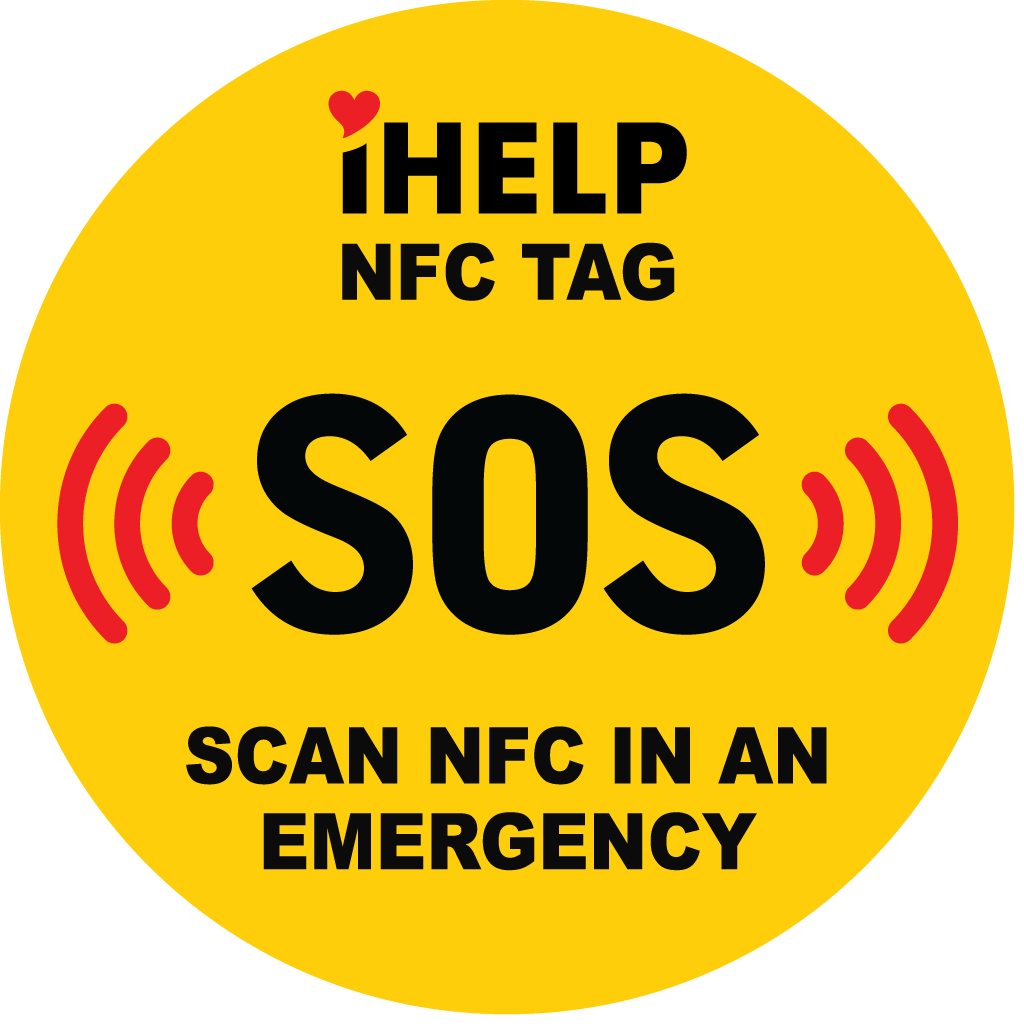
Black-and-red or yellow version for a visible spot on personal items.
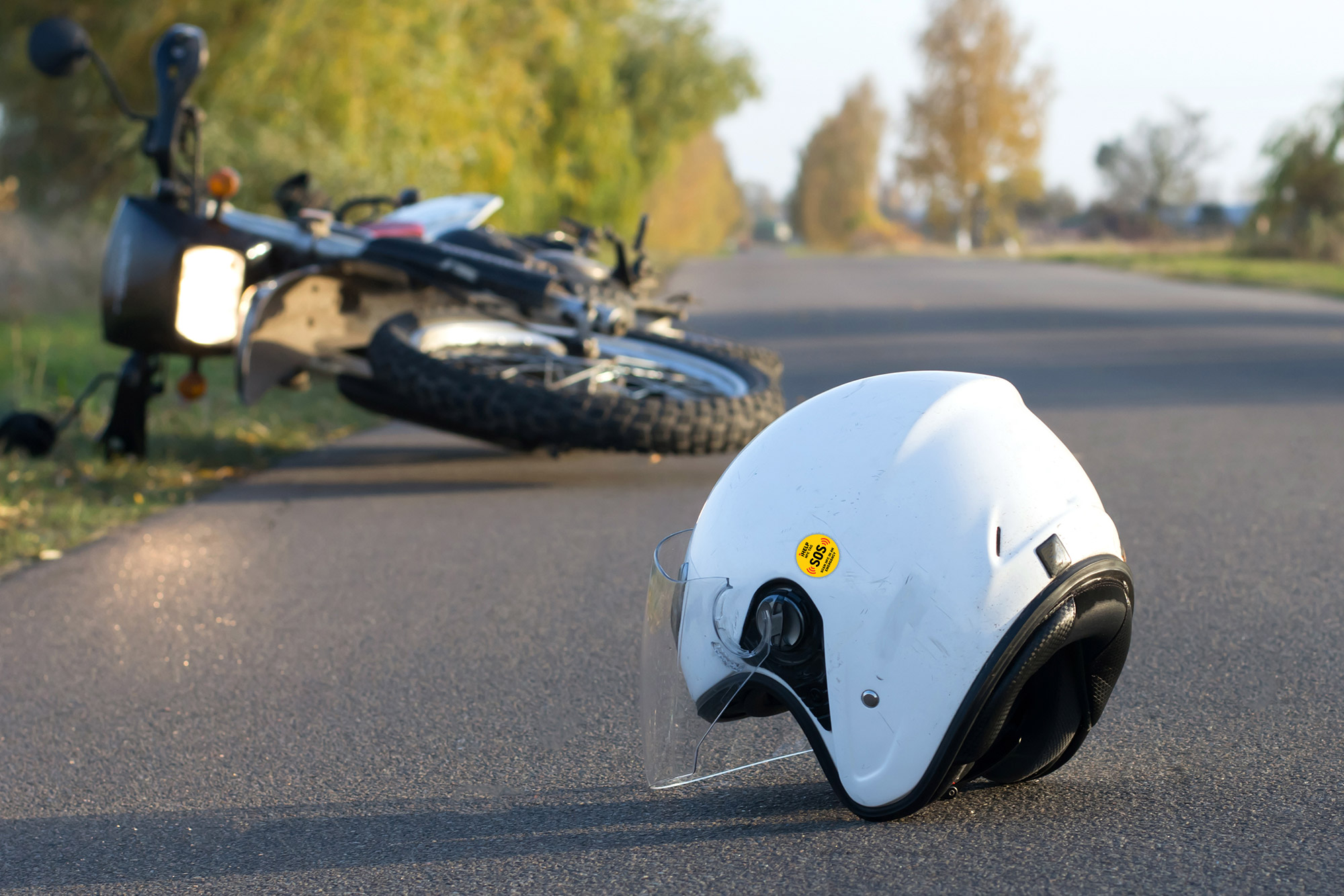
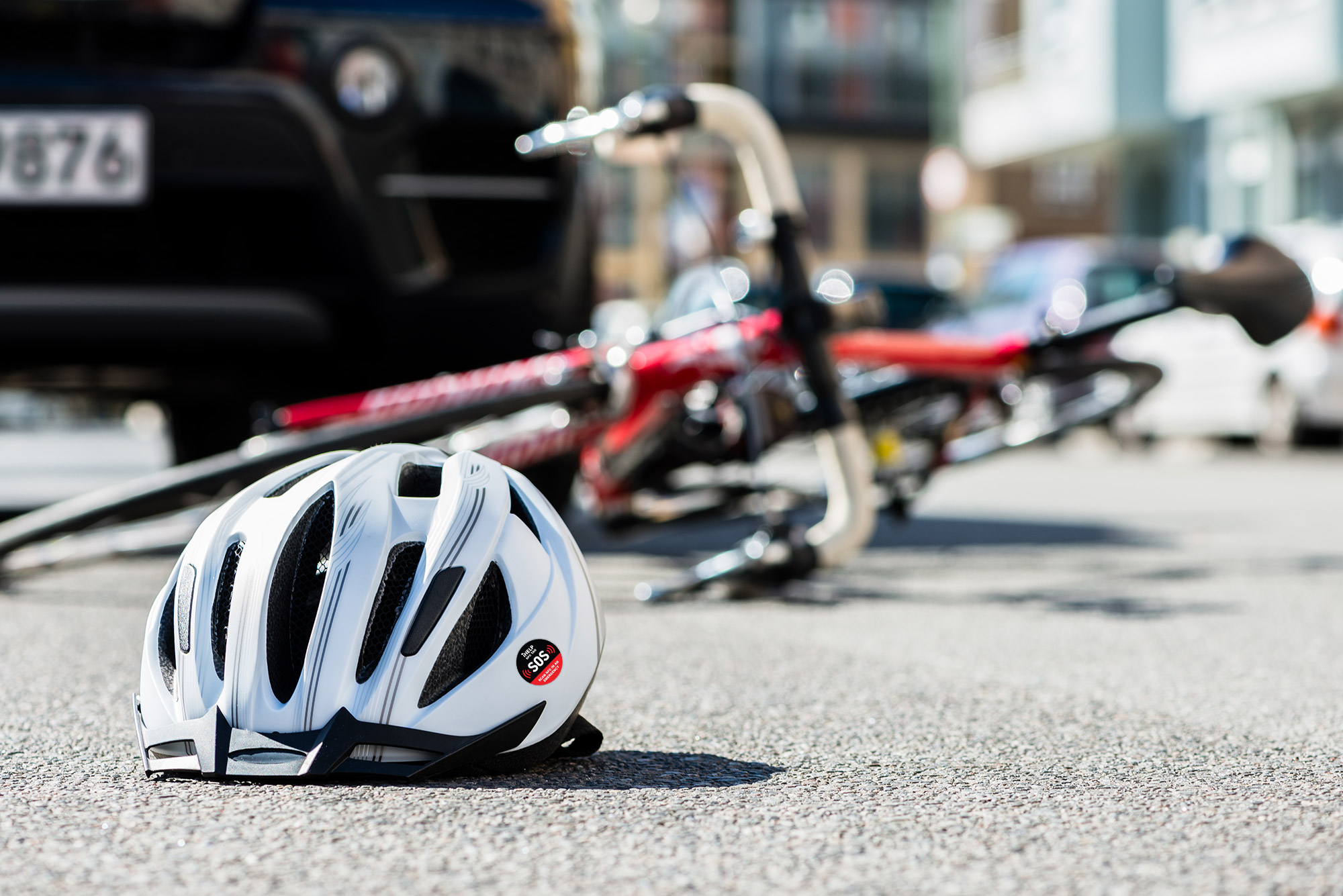
Size: Ø 30 mm, 2 mm thick, 3M adhesive.On your phone On a helmet On a door -
Card
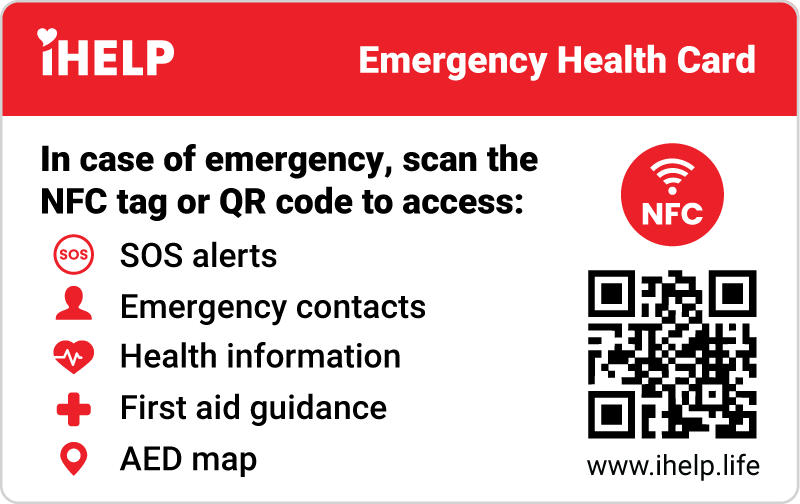
SOS health card linked to selected information from your profile.
Size: credit card.In your wallet In the car On the fridge -
Plaque
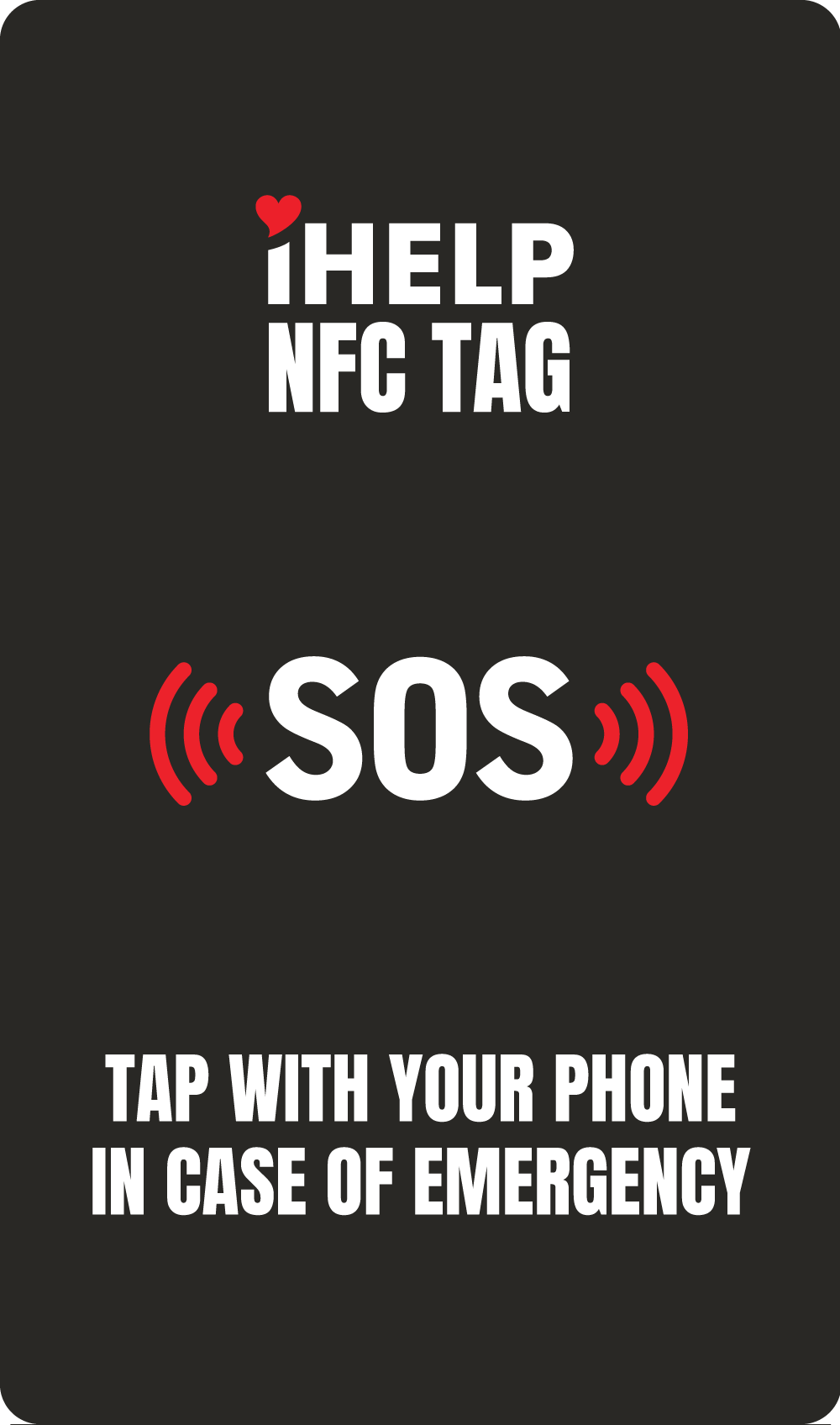
A tag for a visible spot at home, where rescuers can quickly find your SOS information.
Size: 65 x 110 mm, 3 mm thick, 3M adhesive.On the fridge On a door On a wall
Who is it for?
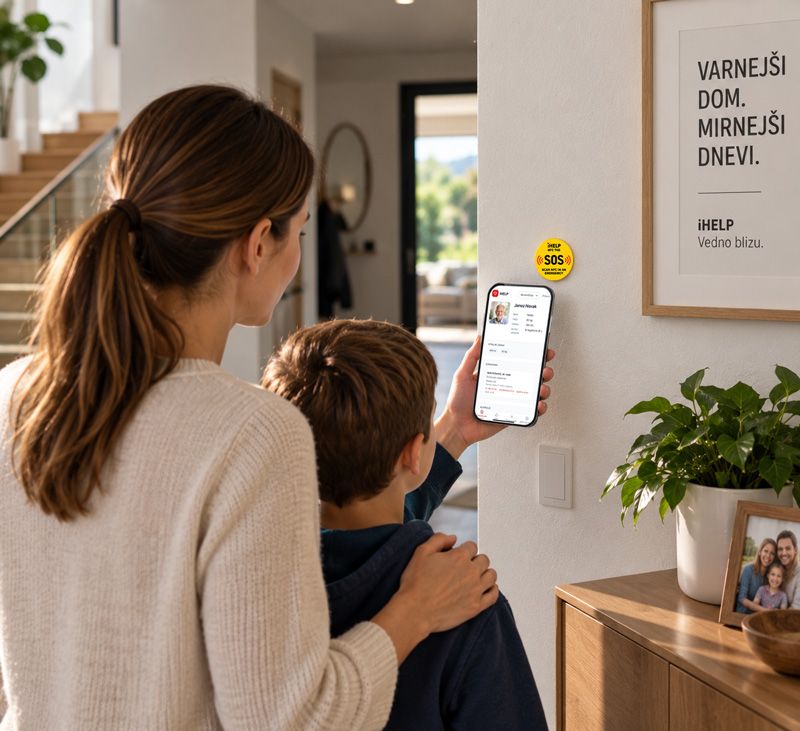
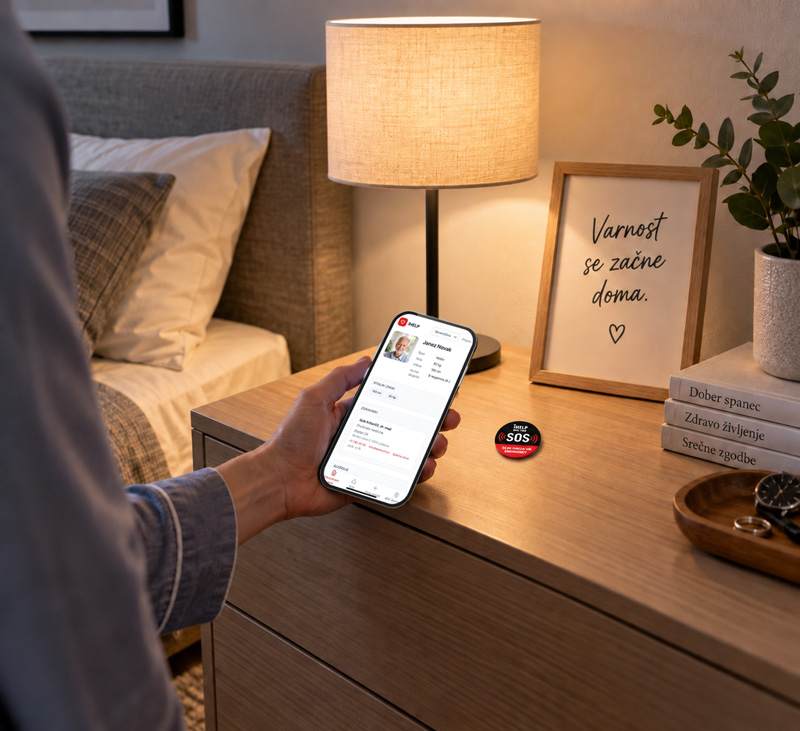
SOS Tag in everyday life
At home, on a bike, on a motorcycle or in the car – your information is always where rescuers need it.
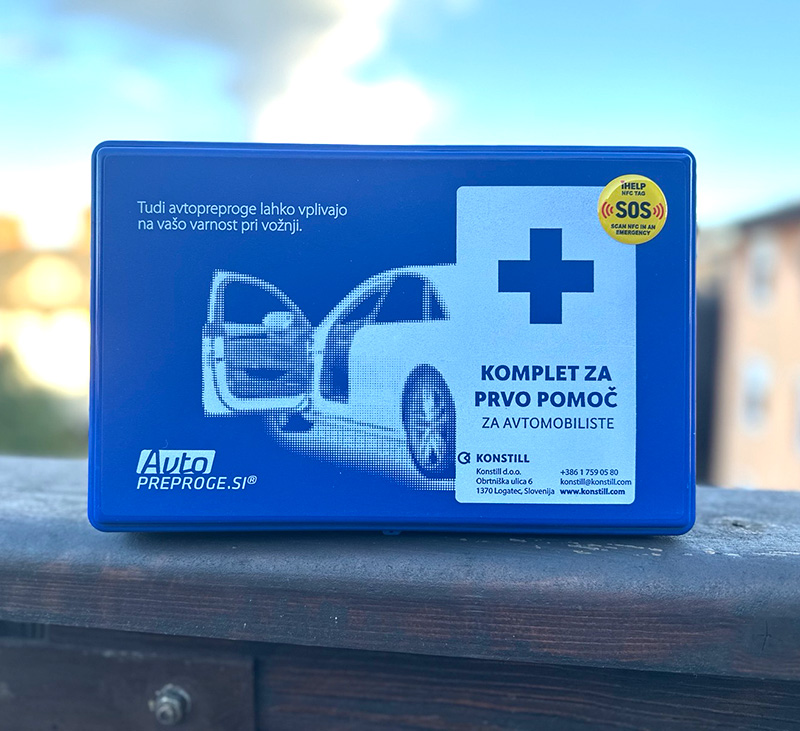

How does SOS Tag work?
- 01
Tap your phone or scan the code
Hold an NFC-enabled phone to the SOS Tag or scan the QR code on it.
- 02
The iHELP profile opens
The screen shows the information the tag owner has chosen to share, e.g. name, conditions, medication, allergies, blood type, weight, GP details, emergency contacts and photos of medical reports.
- 03
Act faster
You don't need the iHELP app to view it, so you can help right away.
What it shows
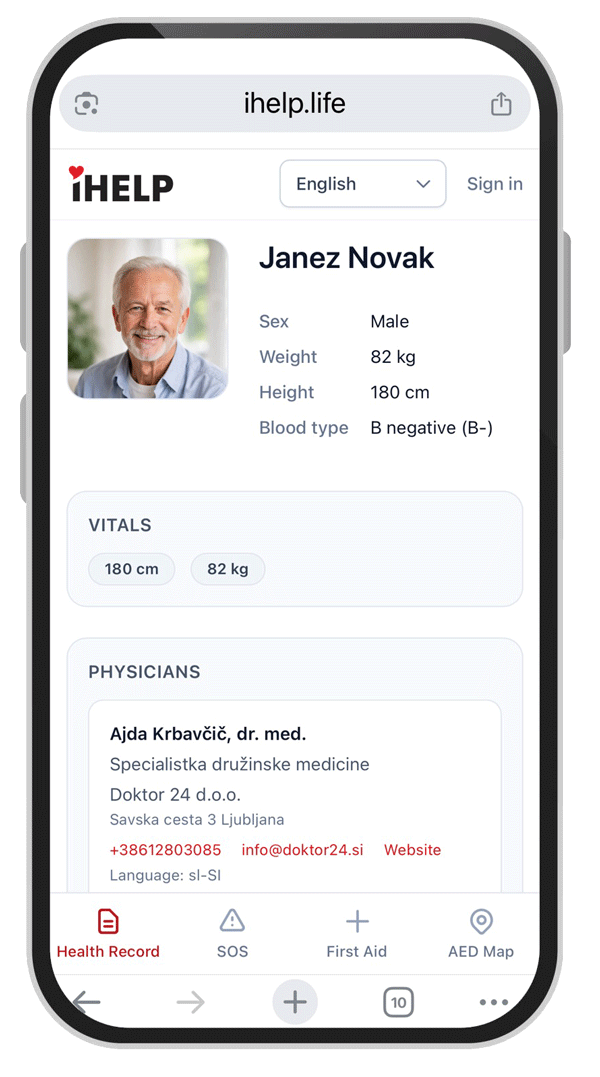
Allergies, conditions, medication, doctor, ICE contacts, weight, height, blood type ...
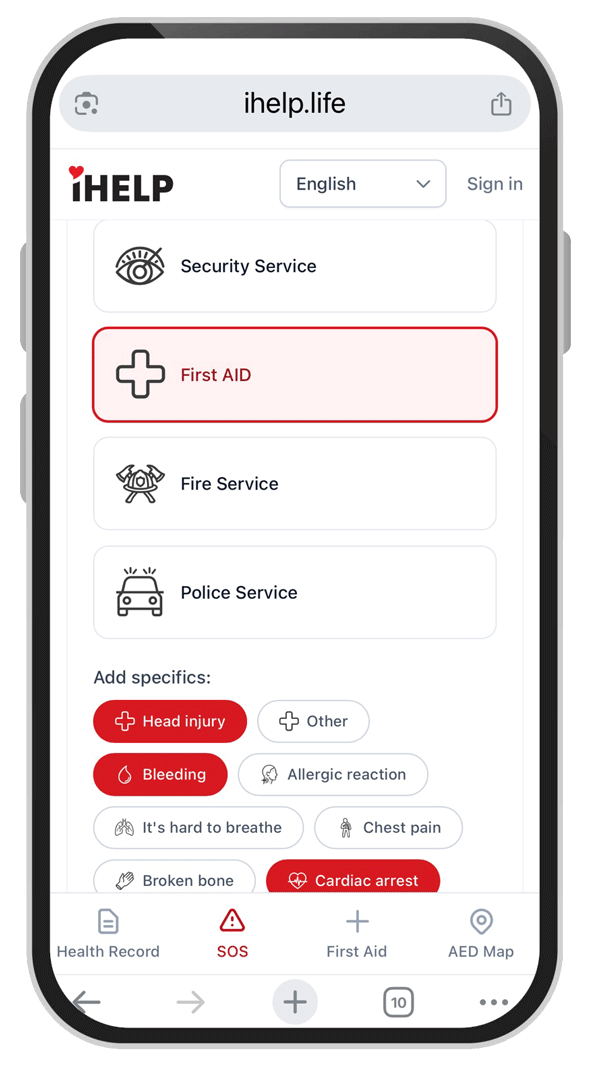
Steps for sending an SOS alert when you need help.
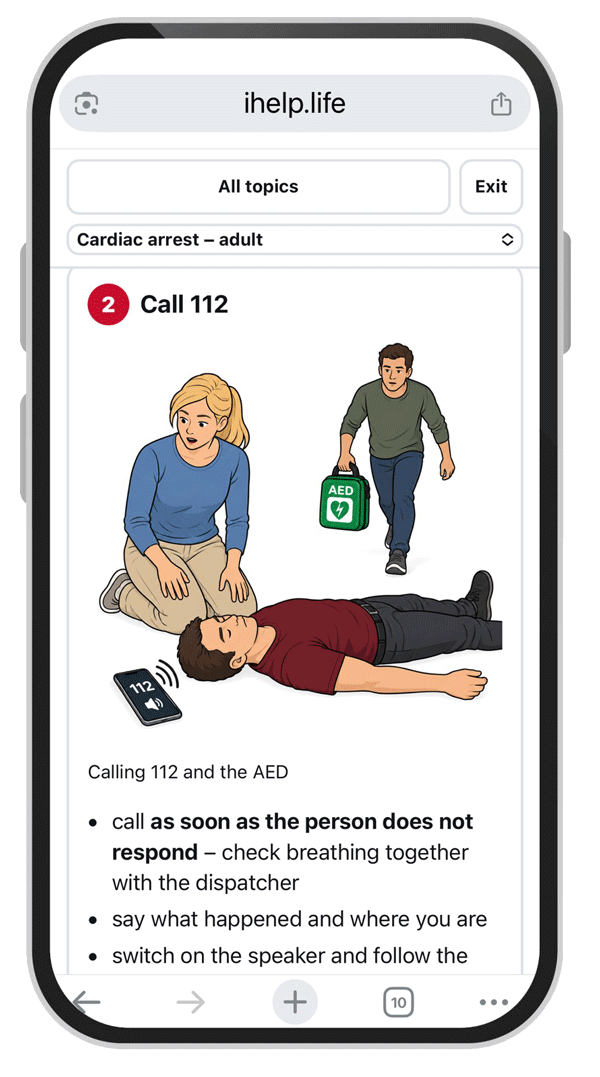
Instructions for amputation, bleeding, unconsciousness, CPR, burns ...
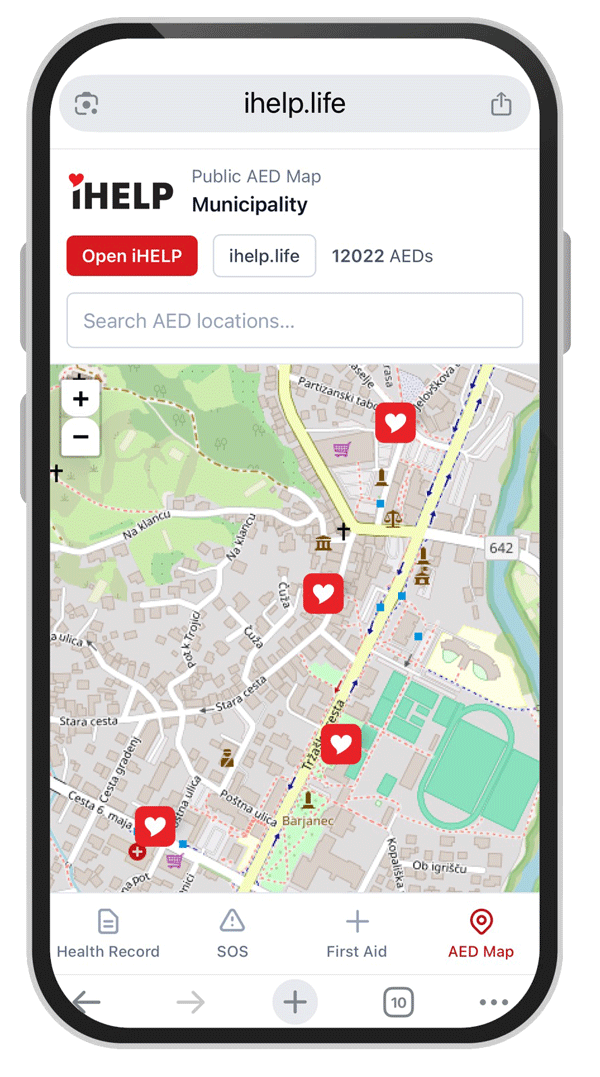
Shows the nearest defibrillators (AEDs) around you. Works at home and abroad.